

Tasting menu
Spiced lamb koftas


Charred aubergine, freekeh and
Tahini yogurt
High proteinContains gluten538 kcal
Roasted cauliflower risotto
VegetarianGF
Smoked aubergine flatbread
VeganGF
Menu publishing
Publish menus in your colours, fonts, layouts and imagery, while allergens, nutrition, prices and dish information stay connected underneath.

Tasting menu
Spiced lamb koftas
Charred aubergine, freekeh and
Tahini yogurt
Roasted cauliflower risotto
Smoked aubergine flatbread
Choose your logo, typography, colours, layouts, imagery, navigation and menu cards. Harlo gives you the structure without deciding what your brand should look like.
From typography and card layouts to navigation, imagery, filters and guest information, you control far more than a colour theme.
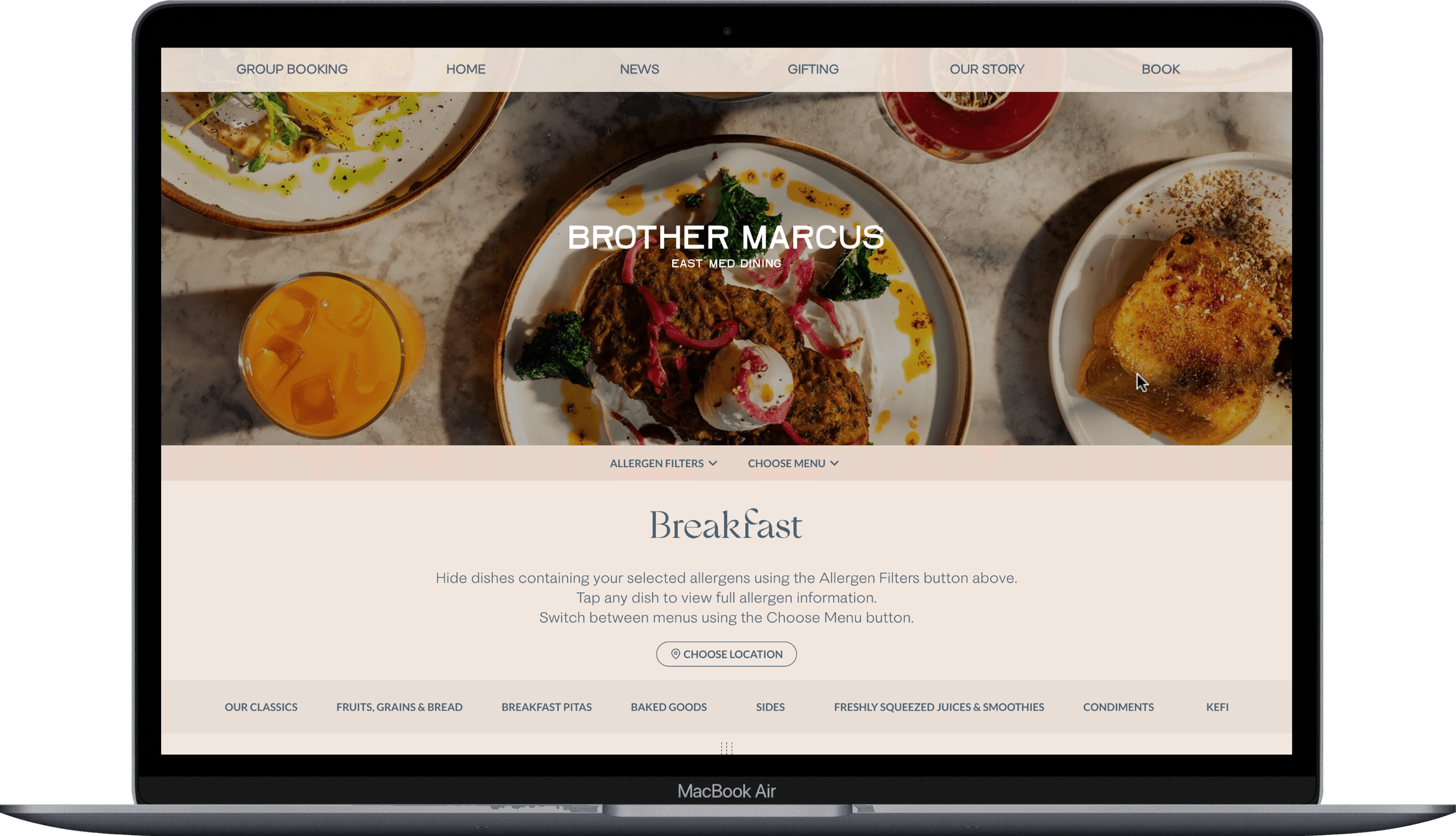
A representative visual based on the live menu styling controls, including brand assets, layout, navigation, colours, typography, cards, landing page and guest information.
One publishing system. Your brand, your layout, your guest experience.
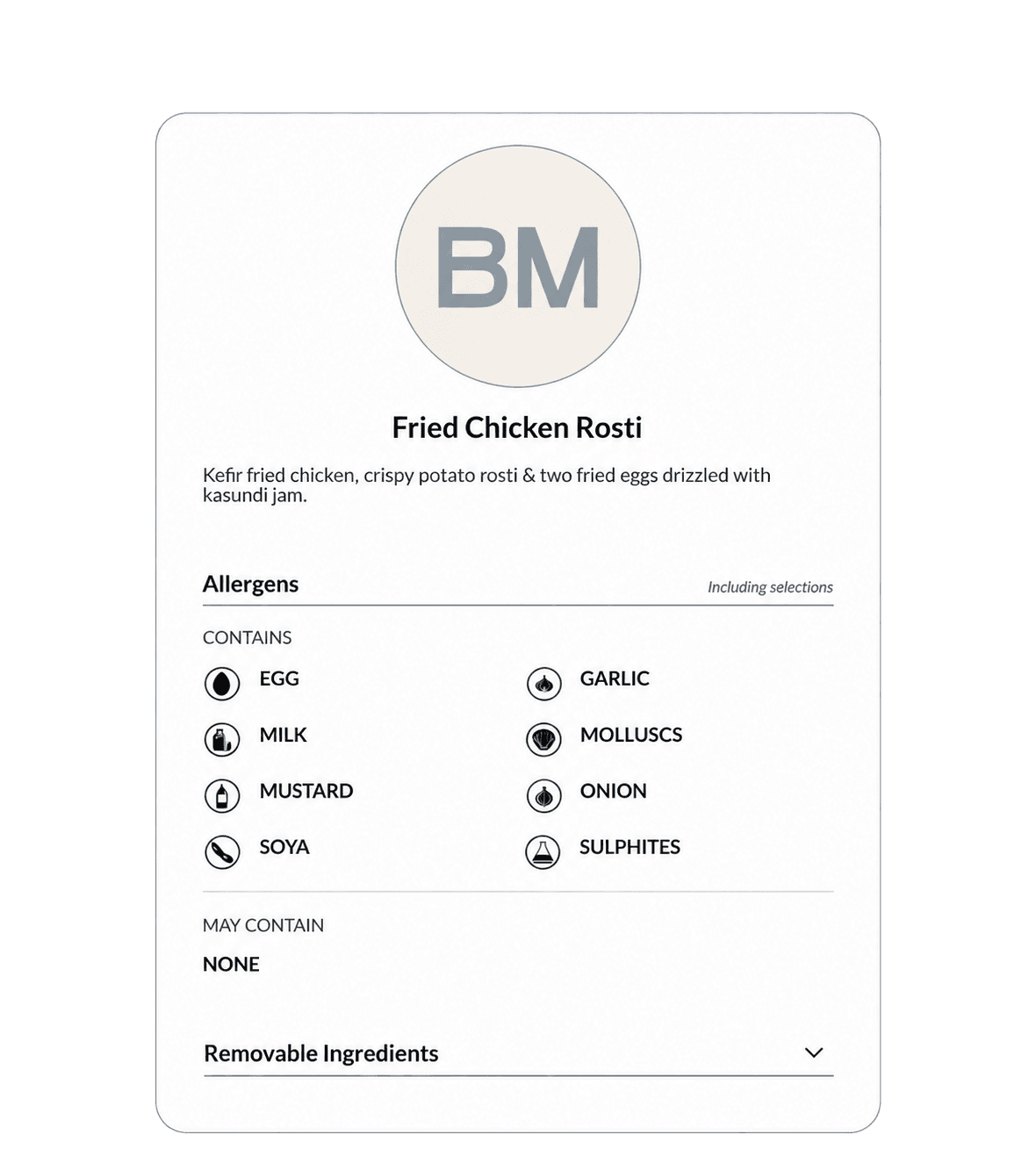
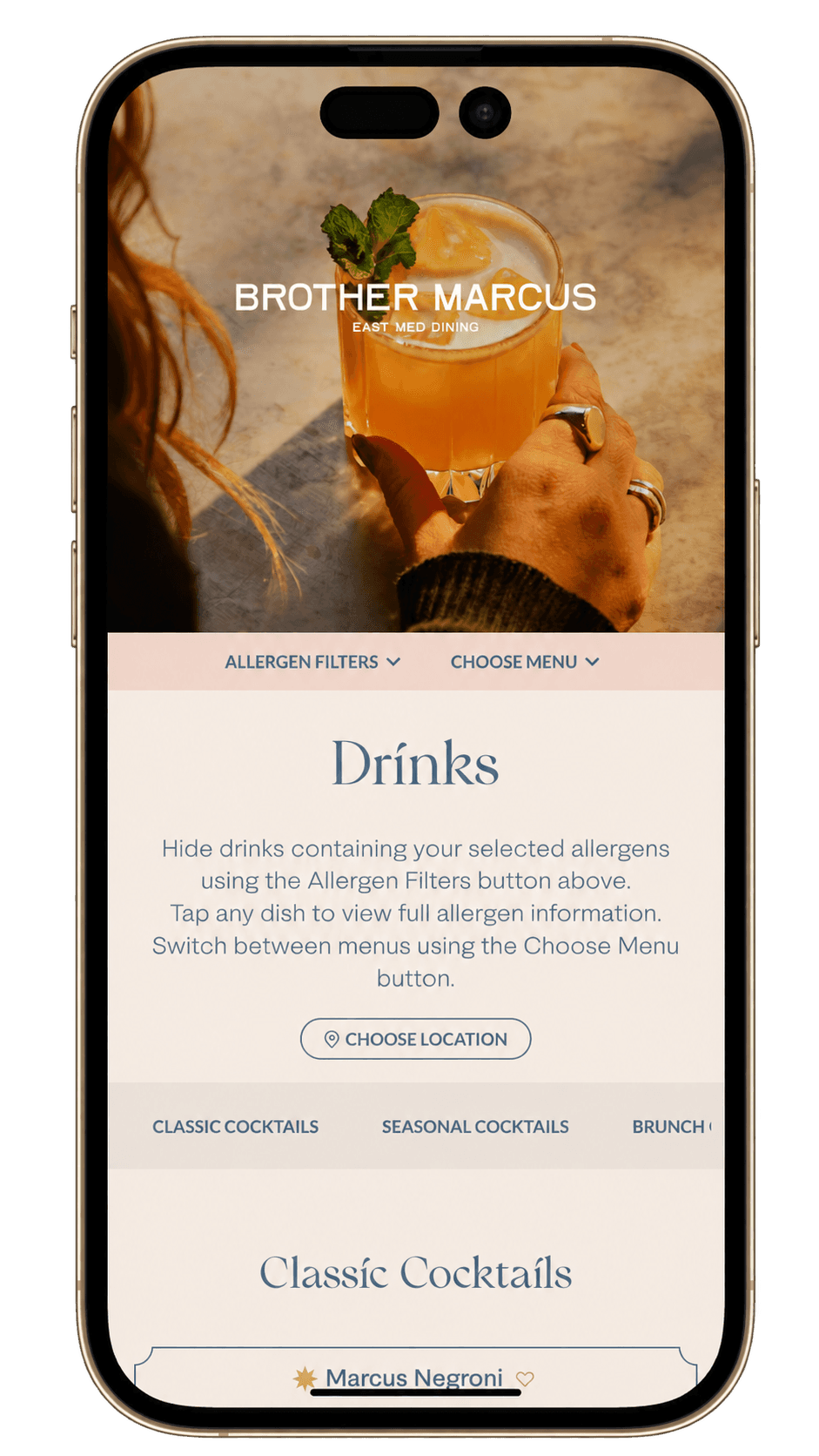
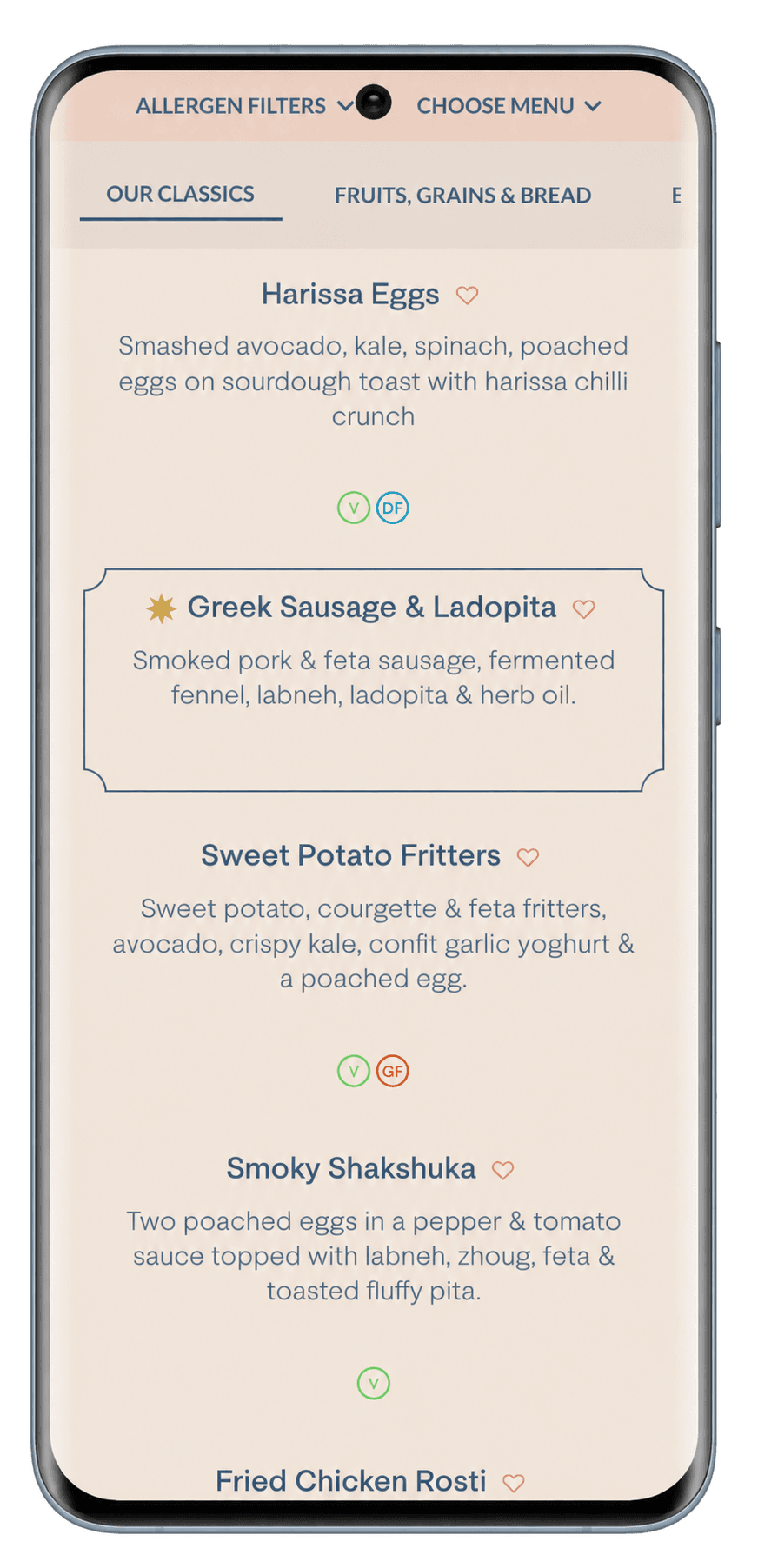
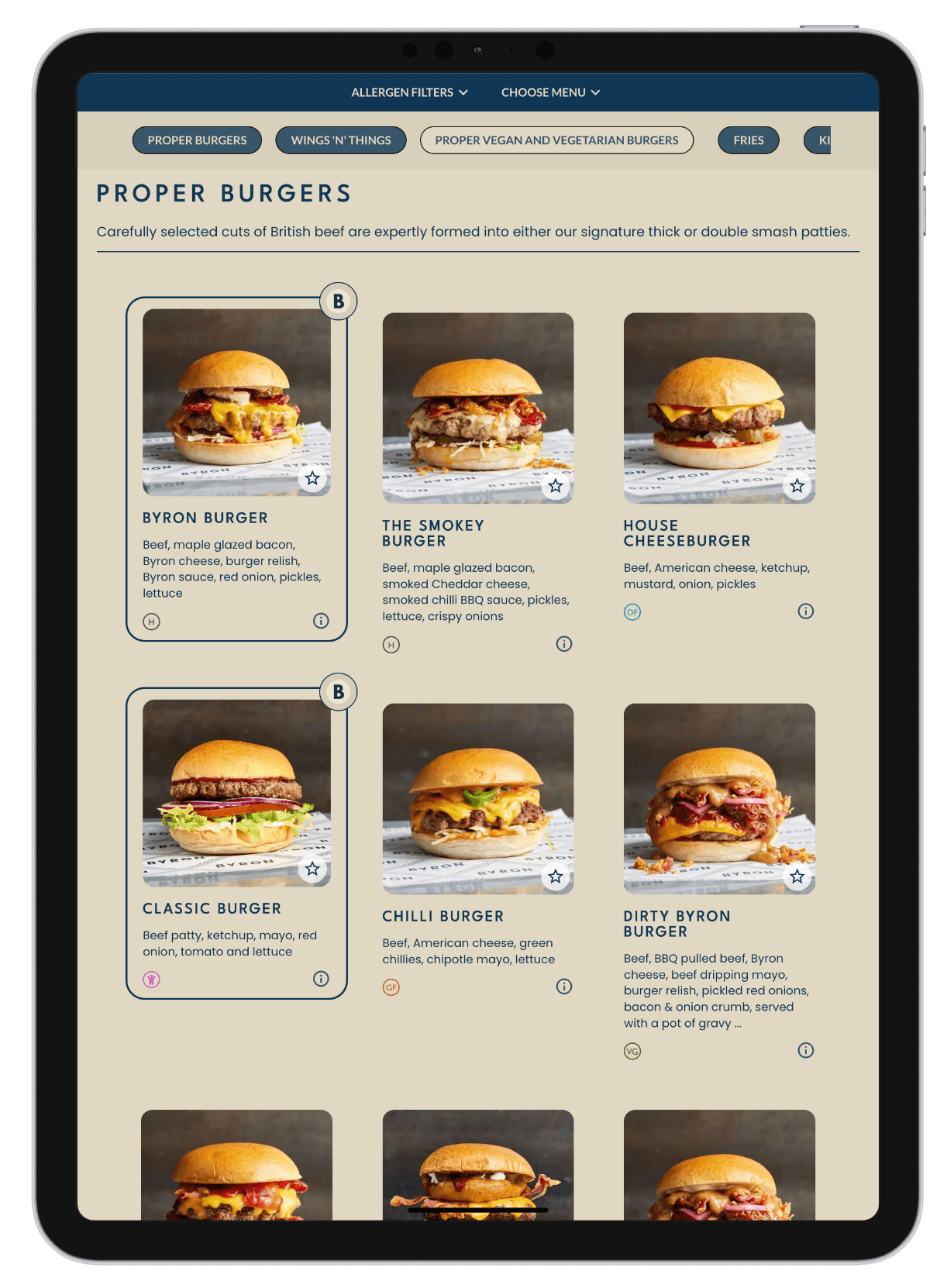
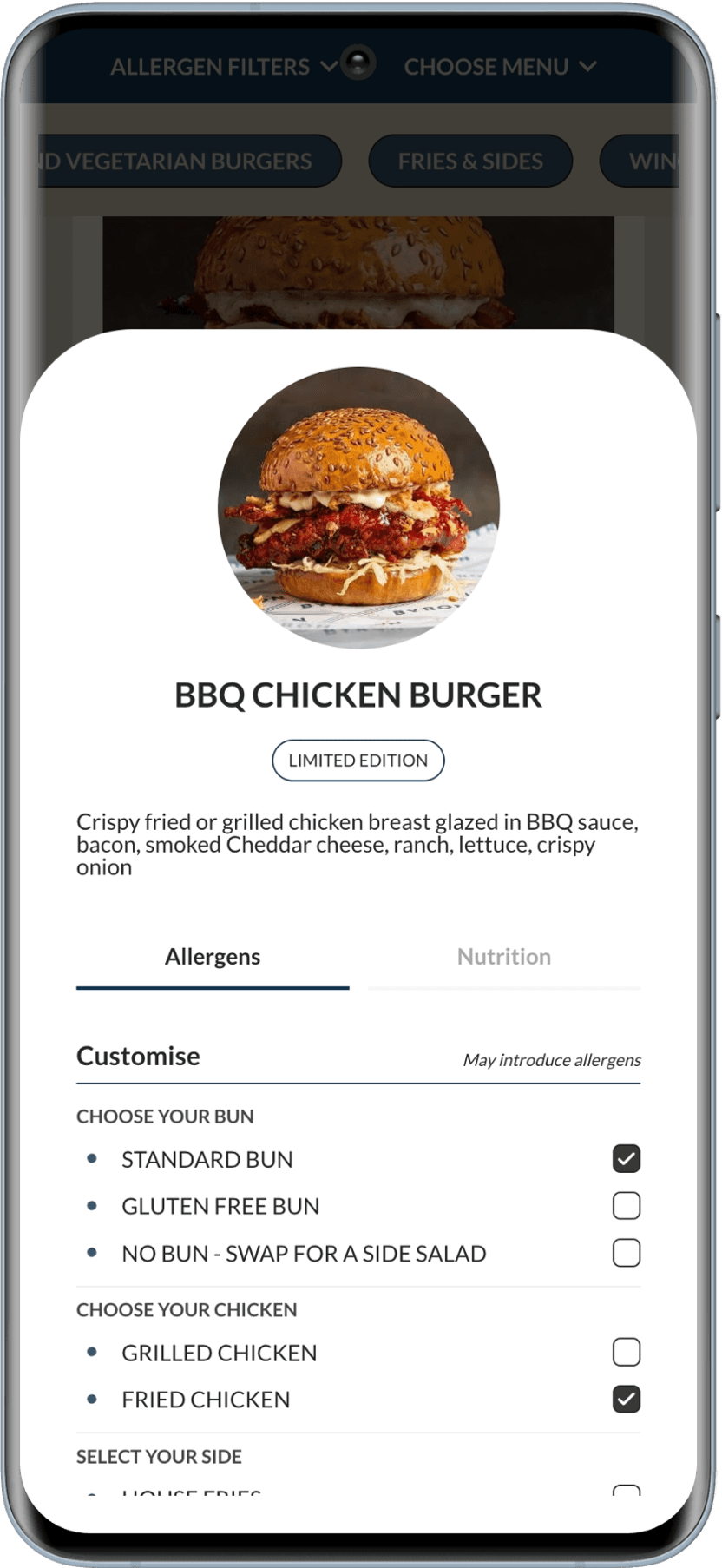

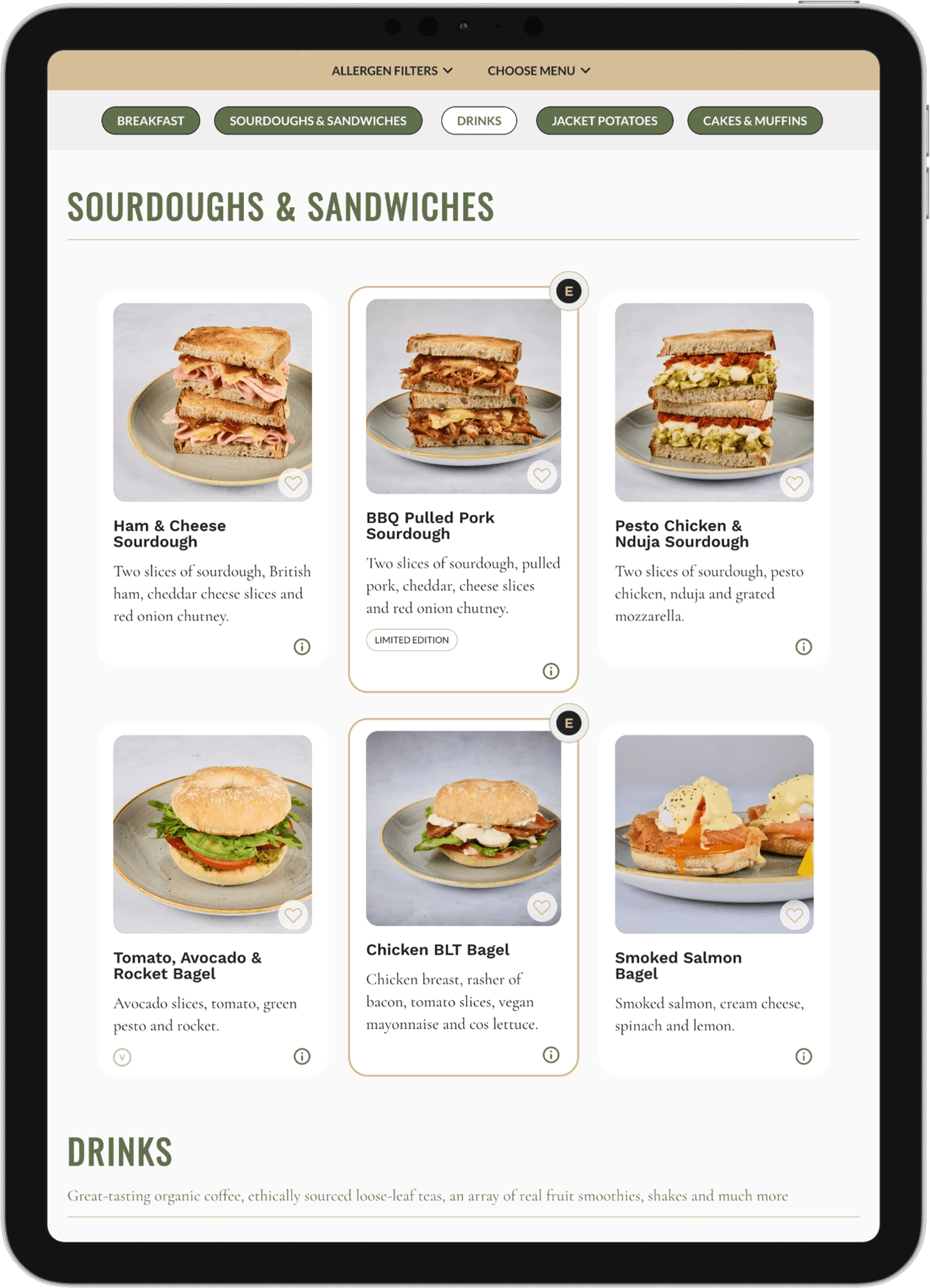
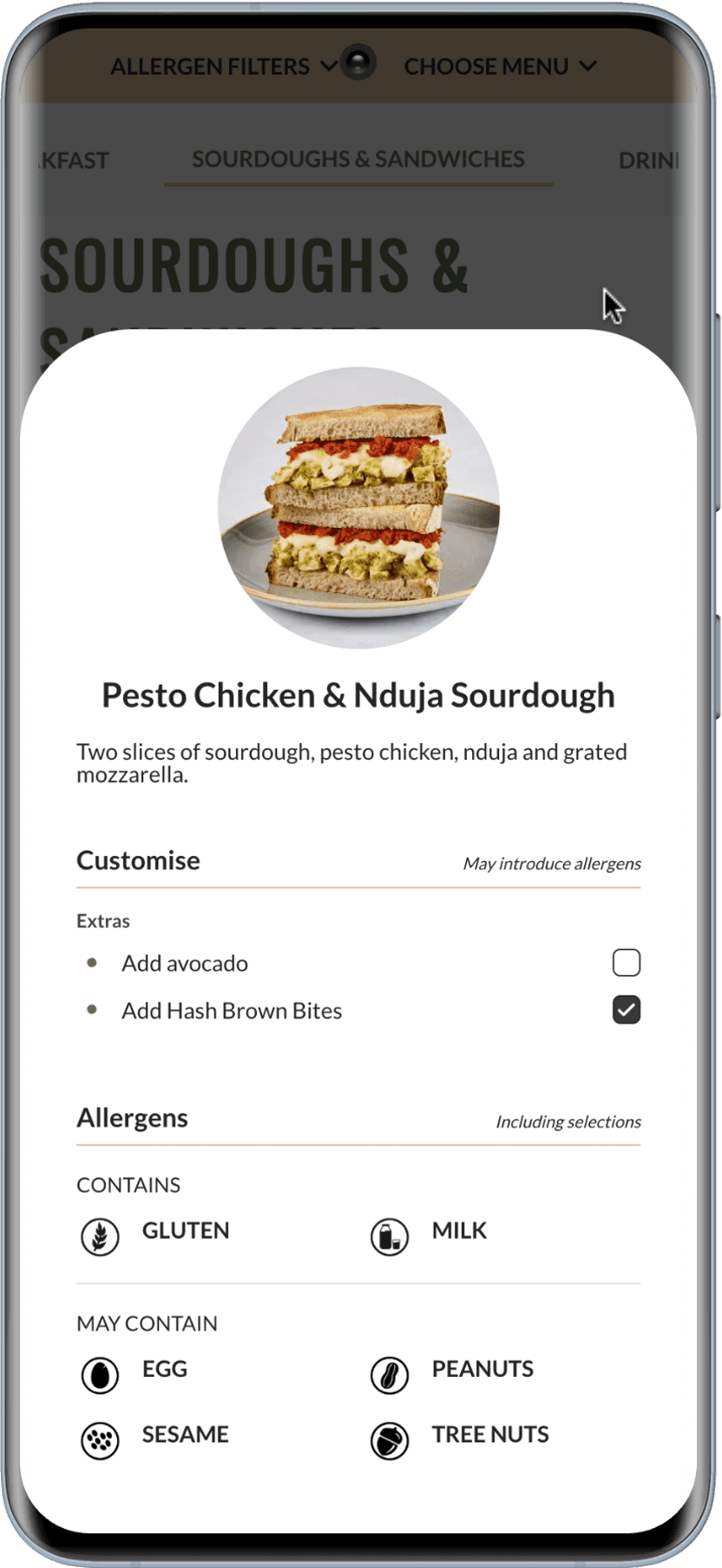
Three visual directions, each given the room to show its own menu experience.
For menus where rich food stories, drinks and allergen detail need room to breathe.

For guests who need to scan a broad, recognisable range and make a quick choice.
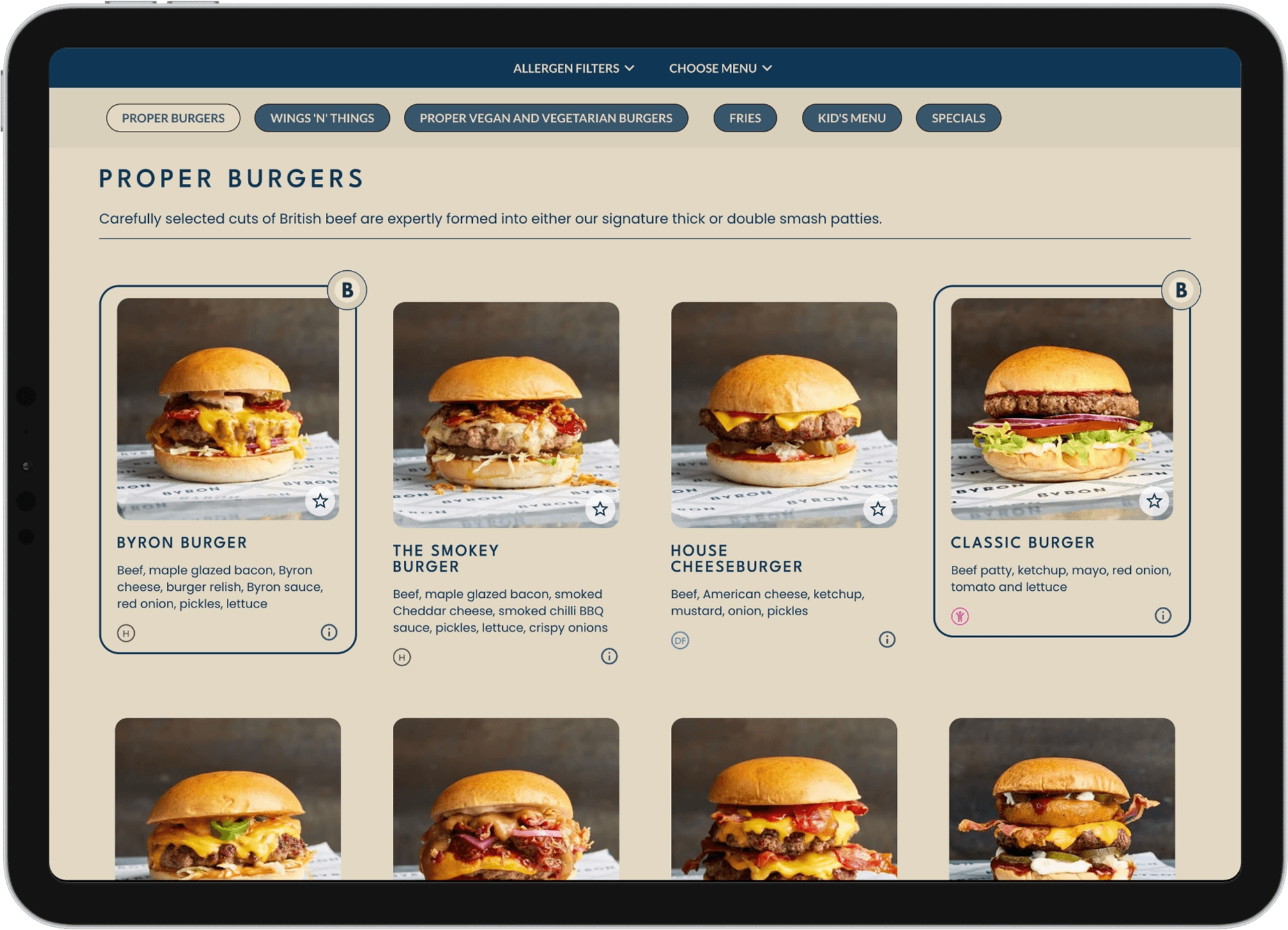
For generous café and bakery menus that keep a wide offer clear and recognisably on brand.
One publishing system, expressed three very different ways.
For menus where rich food stories, drinks and allergen detail need room to breathe.
Add categories, descriptions and dishes, drag items into place, then keep the menu hidden while you work or schedule it to go live when you're ready.
Keep the information behind each dish connected.
Bring your brand, your preferred layout and the guest journey together without being forced into a generic menu template.
Publish by web link or QR code. When the menu changes, guests get the current version.
Allergens, calories and nutrition stay attached to the dish you're publishing.
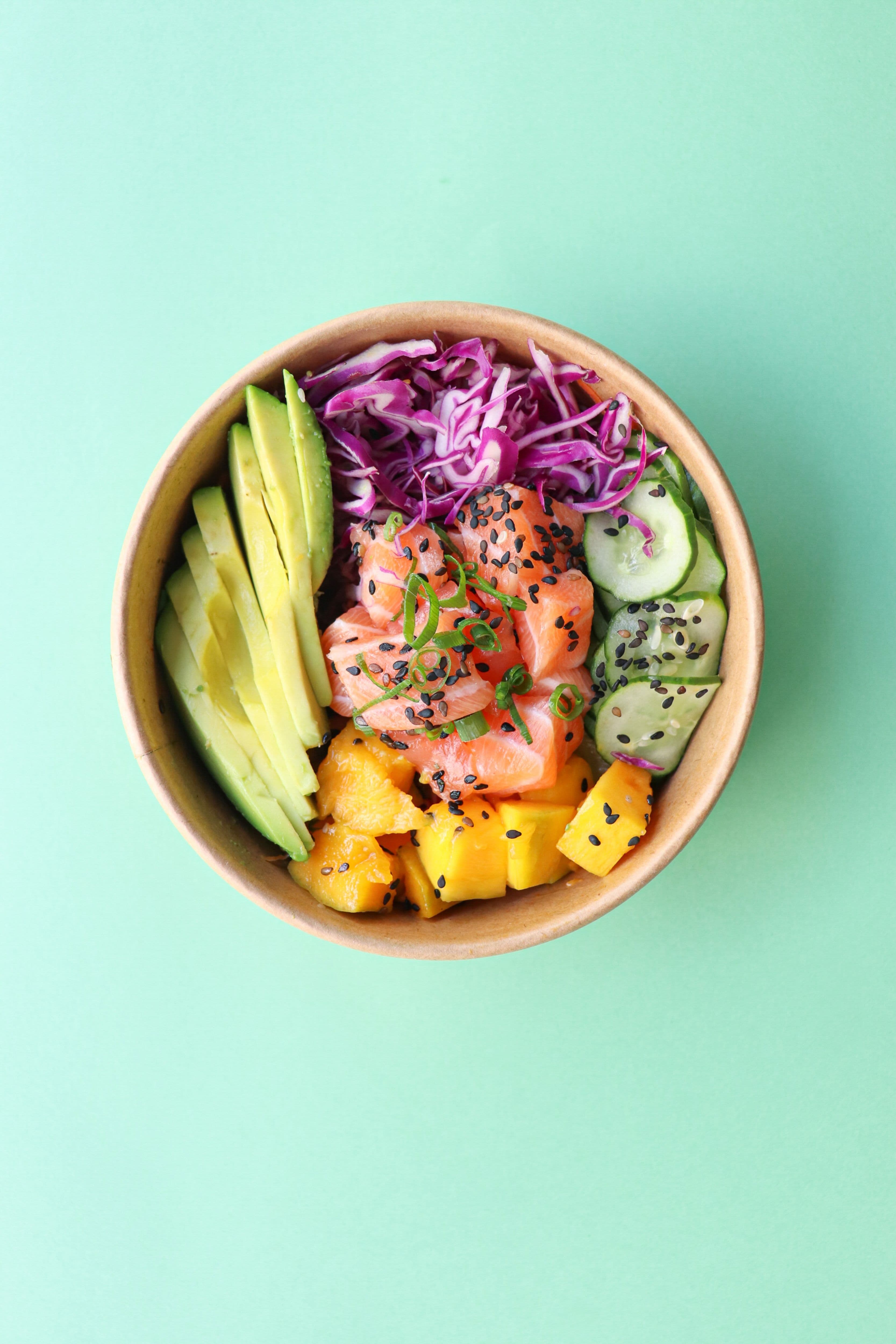


Give locations their own menus and prices while managing everything from the same Harlo account.
Harlo's digital menu publishing software turns the menu you already manage into a responsive guest experience for restaurants and hospitality teams. Share it by QR code or normal web link, update it without replacing the link, and keep prices, allergens, nutrition and dish information connected behind it.

Digital menu publishing software lets restaurants manage menu content in one place and publish it as a live online menu. Harlo also keeps the allergen, nutrition and pricing information behind each dish connected to what guests see.
Yes. Harlo lets you control your logo, colours, fonts, imagery, layouts, menu cards, navigation and other guest-facing styling rather than forcing every business into the same template.
Yes. Harlo publishes a responsive live menu designed for phones, tablets and desktops. Unlike a static PDF, you can update menu content without exporting and uploading a new file each time.
Yes. A published menu can be opened from a normal web link or QR code, with no guest app required.
Yes. Guest-facing menus use the allergen and nutrition information already managed in Harlo, so you do not need to maintain a separate set of menu data. Allergen management and Nutrition & calories explain how the underlying information stays connected.
Yes. Locations can use different menus and prices while remaining part of the same Harlo organisation.
Yes. Harlo’s published menus can allow guests to filter dishes using allergen and suitability information held against your menu content.
Changes are managed in Harlo, so you can review and publish updated guest-facing information without rebuilding a PDF or replacing the menu link.
Bring the menu your guests already know into the same connected workflow as the information behind it.